Sign in
Email address
Sign in
Resend code in
:
Didn't get the code?
Resend
Verify
Get your OTP on
Call
WhatsApp
Categories
Categories
Categories
Menu
Magic Mushroom Spores
Cambodian Spores (Psilocybe cubensis)
Psilocybe Cyanescens
Texas Yellow Cap Spores (Psilocybe mexicana)
Golden Teacher | Psilocybe cubensis spores
Mazatapec Spores (Psilocybe cubensis):
Liberty Caps Spores (Psilocybe semilanceata)
Blue Meanies (Panaeolus cyanescens)
Penis Envy (Psilocybe cubensis)
McKennaii Spores (Psilocybe cubensis)
Albino A+ Spores (Psilocybe cubensis)
Pink Buffalo Spores (Psilocybe cubensis)
Amazonian Spores (Psilocybe cubensis)
Mushroom Grow Kits
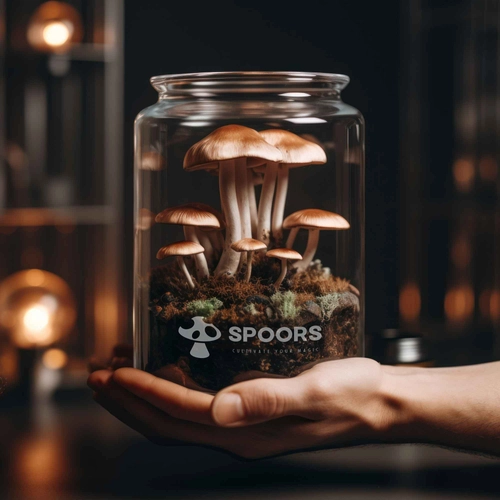
The Terrarium - Magic Mushroom Grow Kit
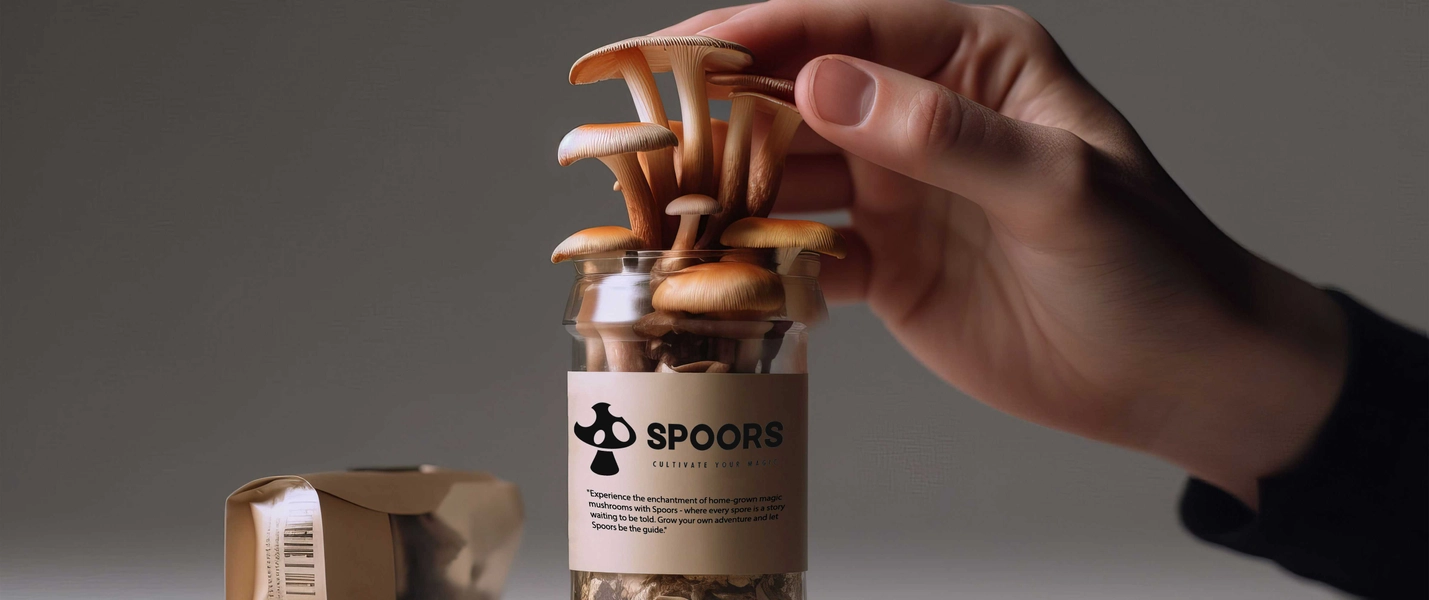
Organic Lion's Mane Spray & Grow | Mushroom Growing Kit
Why Spoors
Why Spoors
Terms & conditions
Refund Policy
Privacy Policy
Blog
Store locator
Account
Search
Recent searches
Clear all
Top categories
Magic Mushroom Spores
Cambodian Spores (Psilocybe cubensis)
Psilocybe Cyanescens
Texas Yellow Cap Spores (Psilocybe mexicana)
Golden Teacher | Psilocybe cubensis spores
Mazatapec Spores (Psilocybe cubensis):
Liberty Caps Spores (Psilocybe semilanceata)
Blue Meanies (Panaeolus cyanescens)
Penis Envy Spores
McKennaii Spores (Psilocybe cubensis)
Albino A+ Spores (Psilocybe cubensis)
Pink Buffalo Spores (Psilocybe cubensis)
Amazonian Spores (Psilocybe cubensis)
Mushroom Grow Kits
The Terrarium - Magic Mushroom Grow Kit
Organic Lion's Mane Spray & Grow | Mushroom Growing Kit
Why Spoors
Why Spoors
Terms & conditions
Refund Policy
Privacy Policy
Blog
Store locator
Categories
Top categories
Magic Mushroom Spores
Mushroom Grow Kits
Coupon Details
COPY CODE
Coupons and offers
Offers
Copy code
Inquisitive minds only.
Be updated on new arrivals, trends and offers. Sign up now!
Submit
Add More
Add to cart
Add to cart
Out of stock
This product is out of stock.
Buy now
Select size
*
Color
*
clock
Shimmer
View all products
Add to cart
Know more
Add to cart
Testimonials
Wishlist